Highlight
Full-Featured PDF Viewer Component
Make your PDF handling look like it’s meant to be there. Here’s what our component brings to your React projects
Fundamental React PDF Features
Get started with essential PDF viewer functions out of the box. React PDF Kit provides all basic tools you need to render, navigate and interact with.
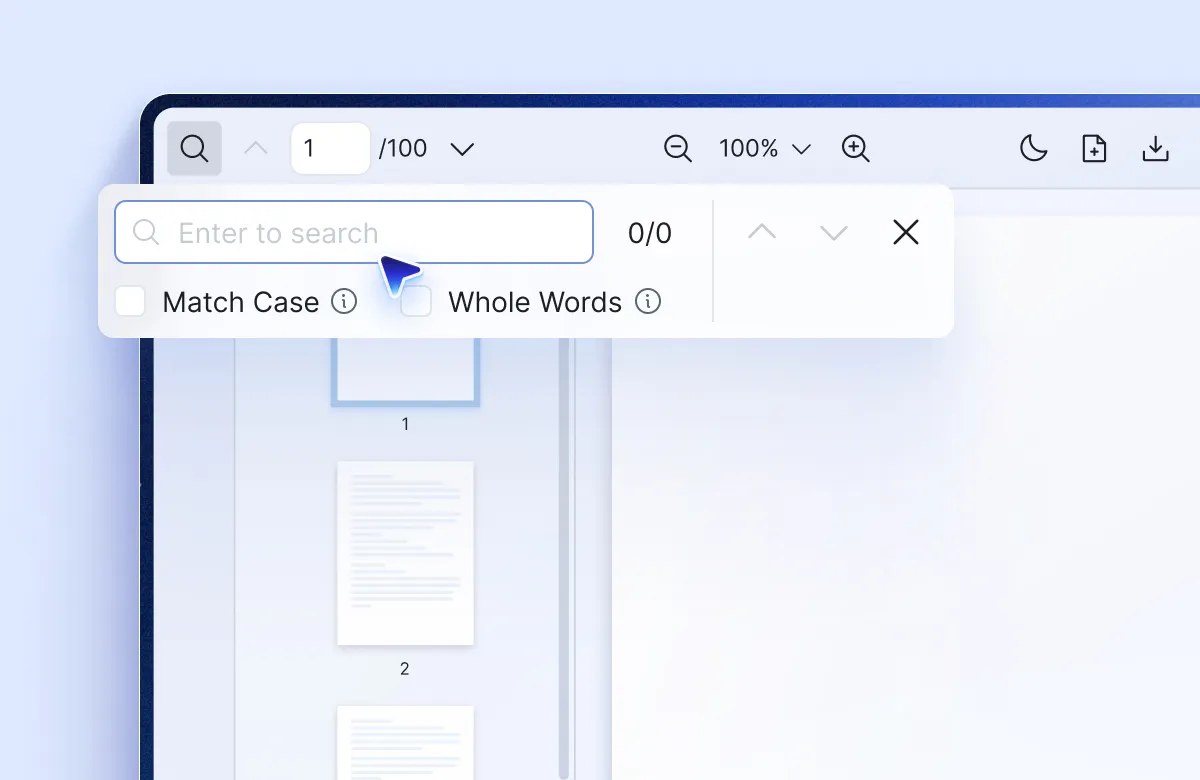
Customizable Style & Toolbar
Build the exact interface you need. Add custom components to toolbars and sidebars, or create entirely custom control panels that fit your workflow.
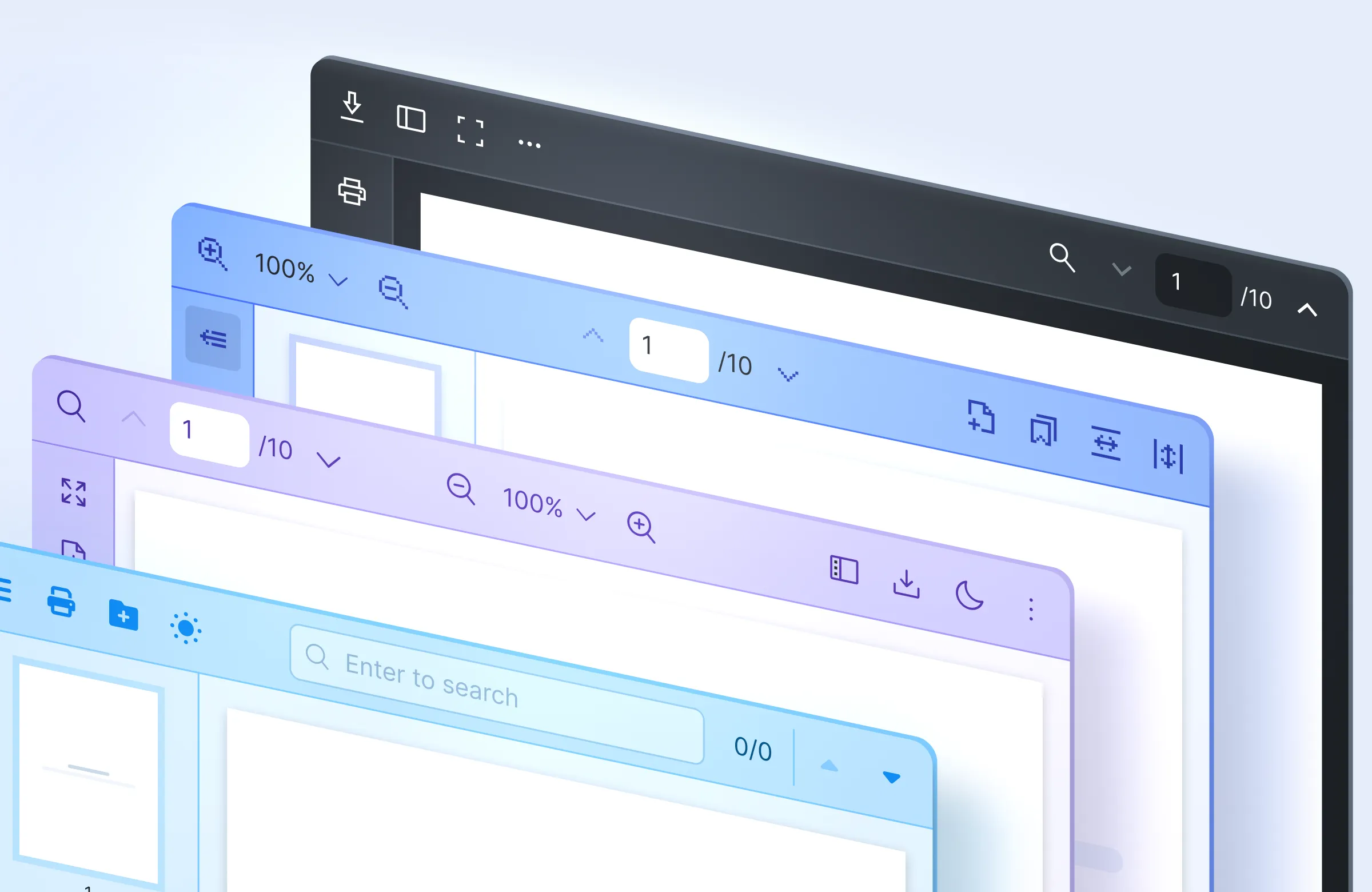
Extensible with Built-in React Context API
Integrate PDF functionality anywhere in your app with our comprehensive API. Control search, highlight, viewer events and more programmatically

Fit With Your Stack. No Config Headaches
Drop React PDF Kit into any modern React setup with ease. Tested across frameworks, bundlers, and UI libraries so you can focus on your project.

High Performance React PDF Viewer
Handle large documents without the lag. Optimized rendering ensures smooth scrolling and fast loading, even with multi-hundred page files.

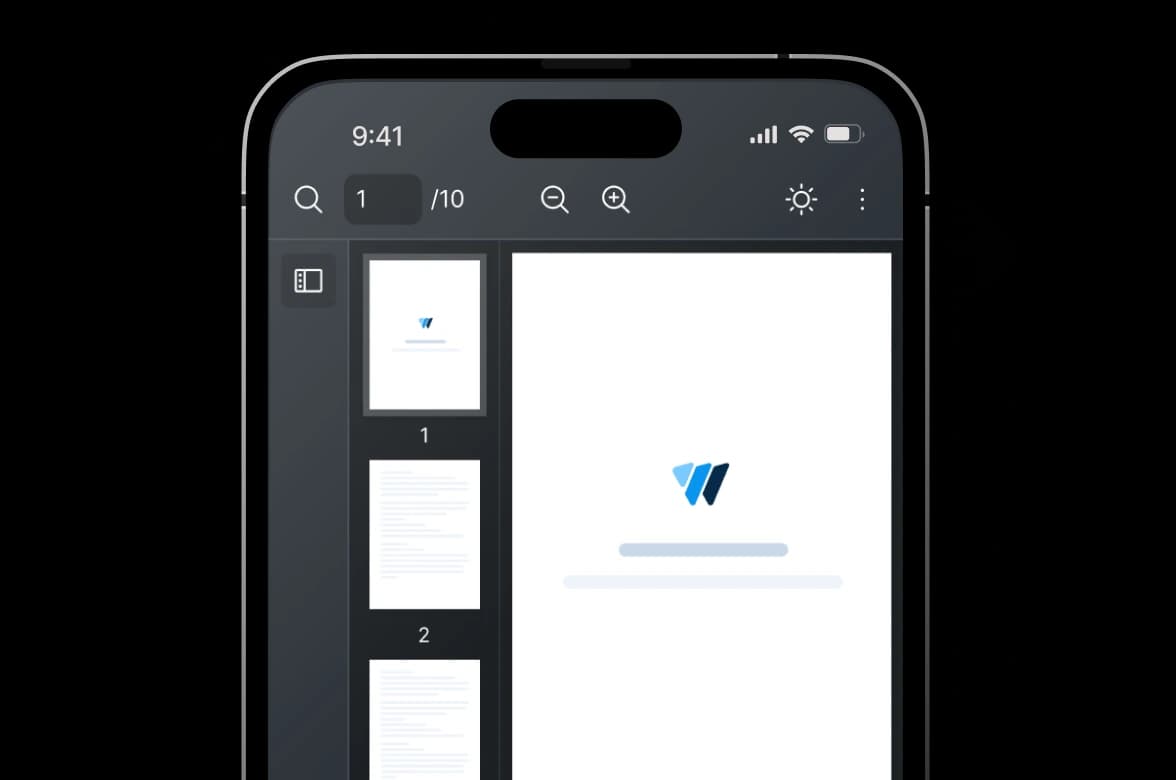
Responsive & Mobile-Optimized
Work across all devices and screen sizes. Your PDFs look professional whether users are on desktop, tablet, or mobile.
Built for Long-Term Use
We're developers who've struggled with PDF integration too. That's why we built React PDF Kit to be flexible, reliable, and actually enjoyable to work with.

Flexible
Work with TypeScript or JavaScript. Drop it in existing projects or start fresh with easy configuration.

Production-Ready
Battle-tested. Includes starter templates for React, Next.js, Gatsby and more so you can ship faster.

Browser Compatible
Consistent performance across major browsers: Chrome, Firefox, Edge, Safari, and Opera.

Developer Friendly Doc
Clear structure, detailed usage guides and examples for easy copy-paste code snippets.

Continuous Updates
Regular updates with new features and enhancements to keep the component current.

Dedicated Support
Your feedback is important to us. Get timely technical support for your use cases.


Get Full React PDF Integration In Minutes
Use with your favorite React framework, whether you're using Next.js, Gatsby, or just React. React PDF Kit will fit right in.
import {
  RPConfig,
  RPProvider,
  RPLayout,
  RPPages,
} from "@react-pdf-kit/viewer";

function App() {
  return (
    <RPConfig licenseKey="YOUR_DOMAIN_TOKEN">
      <RPProvider src="https://cdn.codewithmosh.com/image/upload/v1721763853/guides/web-roadmap.pdf">
         <RPLayout toolbar>
            <RPPages />
         </RPLayout>
      </RPProvider>
    </RPConfig>
  );
}
export default App;
 React
React Nextjs
 Electron
 Gatsby
 Remix
Remix
Testimonials
Don't Take Our Words for it
Ready to try
React PDF Kit?
Friendly technical docs for React developers and teams